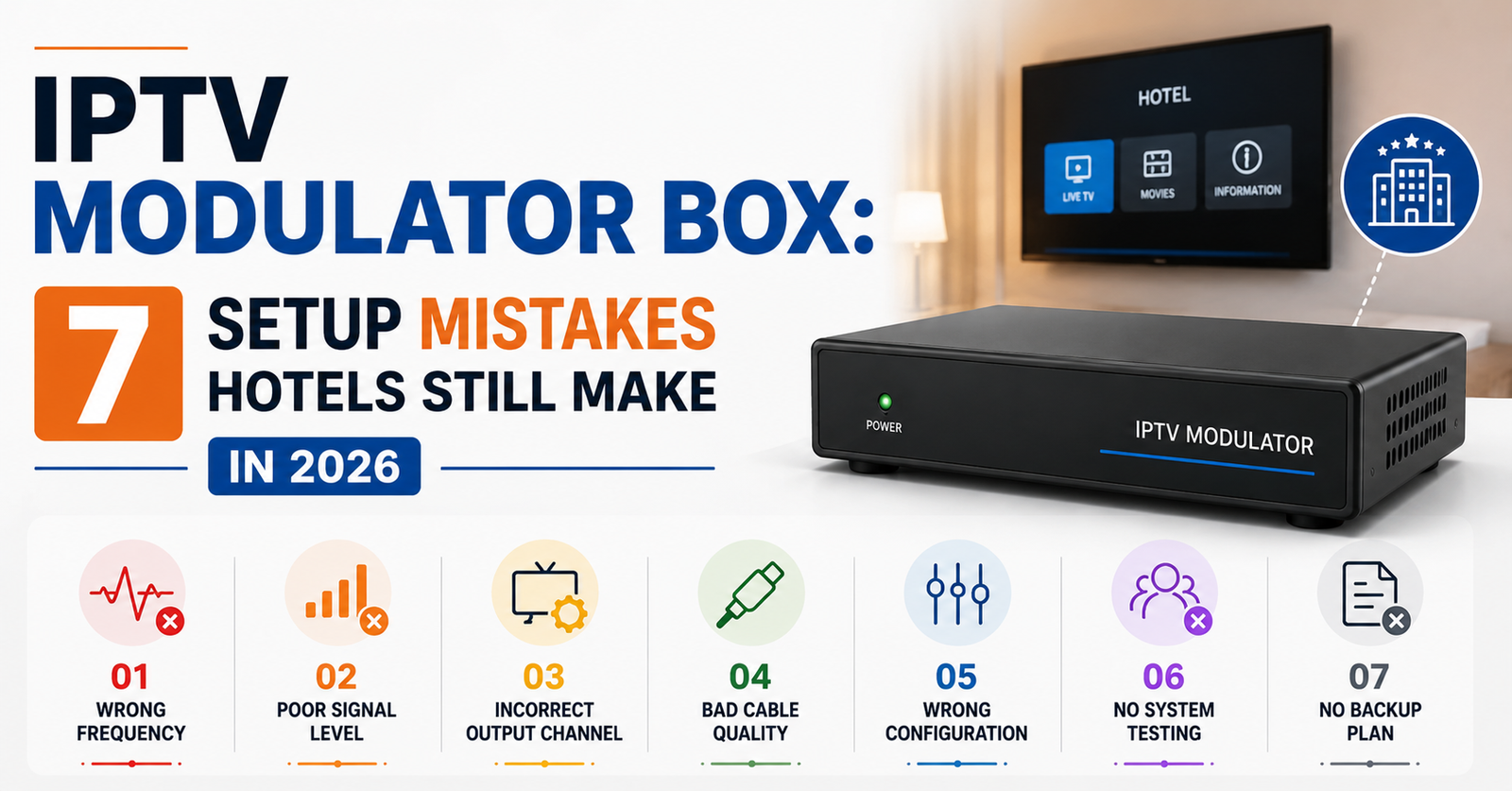

A guesthouse in the Midlands bought a no-name IPTV modulator box from a marketplace listing. Forty-two rooms. Budget unit. Within three weeks, half the rooms had frozen screens during peak check-in hours, and the TripAdvisor reviews started piling up. Not about the beds. Not about the breakfast. About the telly.
That story plays out across hospitality properties every single month. And the frustrating part is that a properly specced IPTV modulator box setup would have cost only marginally more — but would have held under load without a single guest complaint.
This guide is written for hotel owners, B&B operators, and guesthouse managers running 20 to 50 room properties. If you are trying to distribute live TV and on-demand content across your property using existing coaxial wiring, you need to understand exactly how an IPTV modulator box works, where most operators get it catastrophically wrong, and what a reliable setup actually looks like in 2026.
No fluff. No spec sheets copied from a product listing. Just the operational reality of getting this right the first time.
What an IPTV Modulator Box Actually Does (In Plain Language)
Forget the jargon for a moment. An Reseller IPTV modulator box takes digital IPTV streams — delivered over the internet — and converts them into RF signals that travel through standard coaxial cabling. The same cabling already running through the walls of most hotels built in the last forty years.
This means every TV in every room receives channels the way it would from a traditional aerial — except the source is an internet-based IPTV feed rather than a terrestrial broadcast signal.
For hospitality properties, this is significant. You do not need to install network points in every room. You do not need smart TVs or streaming sticks on every set. Your existing infrastructure handles distribution, and the IPTV modulator box sits in your server room or comms cupboard as the central conversion point.
Pro Tip: Before investing in any IPTV modulator box, have an engineer audit your existing coax runs. Properties built before 1995 often have degraded cabling that introduces signal loss across longer runs — and no amount of good hardware fixes bad copper.
Why Hospitality Owners Keep Choosing the Wrong IPTV Modulator Box
Here is where the money gets wasted. Most hotel and B&B owners approach this purchase the same way they would buy a router — search online, sort by lowest price, pick the unit with acceptable reviews, and hope for the best.
The problem is that an IPTV modulator box is not consumer electronics. It is commercial broadcast infrastructure. And the gap between a budget unit and a properly rated one is not just a spec sheet difference — it is the difference between your guests watching the match uninterrupted and your front desk fielding complaints at 8pm on a Saturday.
The three mistakes that cost hospitality owners the most:
- Buying units rated for 8 channels when they need 24 or more
- Ignoring thermal management — cheap boxes overheat in enclosed comms cupboards within hours
- Selecting a box with no remote management capability, meaning every fault requires an on-site engineer visit
Budget IPTV modulator box units typically fail at the worst possible moment — under peak load. A Friday evening with full occupancy is not the time to discover your hardware cannot handle simultaneous streams across 40 rooms.
Channel Capacity Planning: The Maths Most Owners Skip
One of the least understood aspects of IPTV modulator box deployment is channel density. Every modulator has a maximum number of channels it can encode and distribute simultaneously. Cheaper units handle 4 to 8. Mid-range handles 16. Professional-grade units push 24 to 32 or more.
A 30-room hotel offering 20 channels to every room does not need 600 individual streams. That is not how RF distribution works. The IPTV modulator box encodes each channel once and distributes it across the coax network. Every TV tuned to Channel 3 receives the same signal.
But here is the catch. If you want 30 channels available and your box only supports 16, you are either cutting your channel list or daisy-chaining multiple units — which introduces synchronisation headaches and doubles your failure points.
| Factor | Budget Unit | Professional Unit |
|---|---|---|
| Channel Capacity | 4–8 | 24–32+ |
| Thermal Rating | Passive cooling only | Active fan + heatsink |
| Remote Management | None | Web GUI + SNMP |
| Mean Time Between Failures | 6–14 months | 3–5 years |
| HLS Latency Handling | Poor — frequent sync drops | Adaptive buffering |
| Price Range | £150–£400 | £800–£2,500 |
| Warranty | 6–12 months (limited) | 2–3 years (commercial) |
That table should settle any debate about whether the upfront saving is worth it. A £250 unit that fails in eight months and takes your guest entertainment offline is not a saving. It is a liability.
The Coaxial Question: Can Your Building Even Support This?
Not every property is ready for an IPTV modulator box installation out of the box. And this is something most equipment sellers will never tell you, because it is not in their interest.
Coaxial infrastructure degrades. Connections corrode. Splitters installed fifteen years ago introduce signal attenuation that compounds across every junction. A signal that leaves your modulator at full strength can arrive at a fourth-floor room as an unwatchable mess if the cabling path has three dodgy splitters and a junction box held together with electrical tape.
Pro Tip: Request a signal strength test at the furthest room from your comms cupboard before purchasing any IPTV modulator box. If the reading drops below -5 dBmV at the endpoint, you need amplification or cabling remediation before the modulator will perform reliably.
Properties built or refurbished after 2005 generally have cabling in good enough condition. Older buildings — especially converted Victorian townhouses operating as boutique hotels — are where the real problems live. Spending £1,500 on a high-end IPTV modulator box means nothing if the coax running to Room 14 has a crimp joint corroding behind the plasterwork.
Headend Configuration: Where the Technical Decisions Get Real
The IPTV modulator box is only one piece of the headend — the centralised equipment stack that receives, processes, and distributes your content. A complete headend for a 20 to 50 room property typically includes the modulator itself, an IPTV gateway or set of receivers pulling streams from your provider, a network switch, and potentially an RF combiner if you are merging IPTV channels with existing Freeview signals.
Getting this configuration wrong is where experienced installers separate from amateurs. The most common headend error in smaller hospitality properties is overloading a single IPTV modulator box with more input streams than it can process cleanly, leading to HLS latency spikes and frame drops that guests perceive as buffering.
A solid headend checklist for 20–50 room properties:
- Dedicated internet connection for IPTV feeds (minimum 100 Mbps, ideally 200+)
- IPTV gateway with multicast support
- IPTV modulator box rated for at least 20% more channels than your current offering
- Uninterruptible power supply to prevent reboots during power dips
- Physical ventilation around all active equipment
Skipping any one of those items creates a single point of failure that will eventually surface during the worst possible moment.
ISP Complications Hotel Owners Never See Coming
Here is a dimension of IPTV modulator box deployment that almost nobody discusses upfront. Your internet service provider can become your biggest obstacle.
In 2026, AI-driven traffic analysis by major ISPs has become increasingly aggressive. Deep packet inspection can identify IPTV stream patterns and throttle or block them — sometimes without any notification. For a hotel relying on internet-delivered content feeding into an IPTV modulator box, this is not a theoretical risk. It is an operational one.
The mitigation strategies are straightforward but must be implemented proactively:
- Use a business-grade broadband line with no traffic management clauses
- Configure encrypted tunnels between your IPTV gateway and your content provider
- Maintain a secondary uplink from a different ISP as a failover — DNS poisoning or routing issues on one network should not take down your entire guest entertainment system
Pro Tip: Ask your ISP directly whether they apply traffic shaping to multicast or high-bandwidth streaming traffic. Get the answer in writing. If they cannot confirm unthrottled delivery, you need a different provider or a VPN layer between your feed and your IPTV modulator box.
Load Balancing Across Properties With More Than 30 Rooms
Once a property exceeds roughly 30 rooms, the demands on a single IPTV modulator box start to shift. Not because the modulator itself distributes more — RF distribution scales passively — but because the internet bandwidth feeding it becomes a bottleneck.
Thirty rooms with guests channel-surfing during evening hours means your IPTV gateway is constantly requesting new streams, dropping idle ones, and managing buffer states. If your provider uses HLS delivery, each channel switch introduces a 2 to 5 second delay while the new stream loads and the IPTV modulator box re-encodes the output.
For properties in the 40 to 50 room range, load balancing the internet feed becomes essential. This does not mean two routers. It means a proper dual-WAN setup with failover logic that switches feeds if latency on the primary link exceeds a defined threshold.
The cost of this secondary connection is trivial compared to the cost of a full evening of guest complaints. One bad night of entertainment across a 45-room hotel during a holiday weekend can generate enough negative reviews to impact bookings for months.
The Real Cost of Getting It Wrong: Guest Experience and Reviews
Let us talk about something that no technical specification sheet will ever quantify. Guest perception.
A hotel guest does not know what an IPTV modulator box is. They do not care about HLS latency or RF signal attenuation. What they know is that the TV in their room either works or it does not. And in 2026, expectations are sky-high. Every guest has a 4K smart TV at home with instant channel response. When they check into your hotel and the screen freezes during the football, your property has a problem — and it will show up online within 24 hours.
This is why the IPTV modulator box decision is not an IT procurement issue. It is a guest experience investment. Every pound saved on budget hardware is a pound gambled against your online reputation.
| Scenario | Guest Impact | Business Impact |
|---|---|---|
| Buffering during peak hours | Frustration, complaints at reception | Negative reviews, refund requests |
| Channel dropout mid-event | Immediate dissatisfaction | Social media complaints, lost repeat bookings |
| Consistent, smooth delivery | Background satisfaction — TV just works | Positive reviews mention “great room facilities” |
The third column is where the return on a quality IPTV modulator box investment lives. Guests rarely rave about hotel TV — but they absolutely punish properties where it fails.
Choosing Between Turnkey Providers and Self-Managed Setups
Hospitality owners face a fundamental choice when implementing an IPTV modulator box system. You can either purchase hardware outright and manage the system yourself, or you can contract a turnkey provider who supplies equipment, content, and ongoing support as a bundled service.
Self-managed setups are cheaper on paper. You buy the IPTV modulator box, source your own IPTV provider, and configure the headend independently. But you also own every fault. Every 11pm call about a frozen screen lands on your maintenance team — who may have zero experience with RF distribution or IPTV troubleshooting.
Turnkey providers charge more monthly but absorb the technical risk. Equipment failure becomes their problem. Channel lineup changes are handled remotely. And critically, they typically provide remote management and monitoring, meaning they can see your IPTV modulator box losing signal before your guests even notice.
Pro Tip: If you go the self-managed route, budget for at least one on-call IPTV engineer who can access your headend remotely. A web-managed IPTV modulator box with SNMP alerts can email your engineer the moment a stream drops — turning a potential guest complaint into a silent backend fix.
For 20 to 50 room properties, the sweet spot is often a hybrid approach: own the hardware, contract a managed IPTV provider, and keep a local engineer relationship for physical faults.
Future-Proofing: What Changes in 2026 and Beyond
The IPTV modulator box market is shifting. Manufacturers are now integrating IPTV reception and RF modulation into single-unit appliances, reducing headend complexity. Some newer units support direct multicast input, eliminating the need for a separate IPTV gateway entirely.
For hospitality owners purchasing now, the key future-proofing considerations include support for HEVC encoding (which halves bandwidth requirements per channel), compatibility with both DVB-T and DVB-C output standards (giving flexibility across different TV sets), and firmware update capability so the unit can adapt to new streaming protocols without hardware replacement.
Properties planning renovations within the next two to three years should also consider whether hybrid fibre-coax or full IP distribution might eventually replace traditional RF. An IPTV modulator box purchased today should have at least a three to five year operational lifespan to justify the investment — and that only holds if the unit is commercially rated, properly ventilated, and connected to a clean power supply.
Frequently Asked Questions
What exactly does an IPTV modulator box do in a hotel?
An IPTV modulator box converts internet-delivered IPTV streams into RF signals distributed through existing coaxial cabling. This allows every TV in a hotel to receive channels without needing individual set-top boxes or smart TVs in each room. The modulator sits centrally and feeds the entire property through the same wiring used for traditional aerial signals.
How many channels can a single IPTV modulator box handle?
Budget units typically handle 4 to 8 channels, while professional-grade IPTV modulator boxes support 24 to 32 or more simultaneous channels. For a 20 to 50 room property offering a full entertainment lineup, a unit rated for at least 24 channels is recommended to avoid daisy-chaining multiple devices and creating unnecessary failure points.
Do I need to rewire my hotel to install an IPTV modulator box?
In most cases, no. If your property already has coaxial cabling running to each room — which most UK hotels do — that existing infrastructure carries the RF output from the modulator. However, older properties should have cabling and splitters tested for signal degradation before installation, as corroded connections will undermine even the best hardware.
What internet speed does a hotel need for IPTV modulator box delivery?
A minimum of 100 Mbps dedicated bandwidth is recommended for a 20 to 30 room property, scaling to 200 Mbps or more for 40 to 50 rooms. This should be a business-grade connection without traffic shaping, ideally with a secondary ISP failover to prevent total entertainment loss during provider outages.
Can my ISP block the IPTV streams feeding my modulator box?
Yes. In 2026, AI-driven deep packet inspection by ISPs can identify and throttle IPTV traffic. Using encrypted connections between your IPTV provider and your gateway mitigates this. A business-grade ISP contract with written confirmation of unthrottled streaming delivery is strongly recommended.
Is a cheap IPTV modulator box good enough for a small B&B?
Even a 10-room B&B puts commercial demands on the hardware. Budget units with passive cooling overheat in enclosed spaces and typically fail within 6 to 14 months. The replacement cost plus guest dissatisfaction during downtime almost always exceeds the savings. A mid-range commercially rated unit is the minimum viable investment for any hospitality property.
Should I manage the IPTV system myself or hire a provider?
Self-management is cheaper upfront but makes you responsible for every technical fault. For properties without in-house technical staff, a turnkey or hybrid approach — owning the hardware while contracting managed IPTV service and keeping an engineer on call — offers the best balance of cost control and operational reliability.
How long does a professional IPTV modulator box last?
Commercially rated units with active cooling and quality components typically deliver 3 to 5 years of reliable service. Budget consumer-grade units average 6 to 14 months under continuous hospitality workloads. Proper ventilation, clean power supply via UPS, and regular firmware updates extend operational lifespan significantly.
Your IPTV Modulator Box Deployment Checklist
This is not a wishlist. This is the sequence that separates properties with happy guests from properties drowning in one-star reviews about broken TVs.
- Commission a coaxial signal audit across your entire property — test the furthest room from the comms cupboard first.
- Calculate your channel count requirement and add a 20 percent buffer — buy a modulator rated above your current needs, not at them.
- Secure a business-grade broadband connection with written ISP confirmation of unthrottled streaming delivery.
- Budget for a secondary ISP failover link — DNS poisoning or routing faults on a single connection will take your entire entertainment system offline.
- Choose an IPTV modulator box with remote web management and SNMP alerting capability — you need to know about faults before guests do.
- Install an uninterruptible power supply for your entire headend stack — a 3-second power dip should not trigger a 10-minute reboot cycle.
- Ensure active cooling and physical ventilation around all headend equipment — enclosed cupboards kill budget hardware within months.
- Establish a relationship with a local or remote IPTV engineer for on-call support before you go live, not after your first failure.
- Test your full channel lineup under simulated peak load before opening the system to guests.
- Review your setup with a specialist provider like British Seller to ensure your IPTV infrastructure, panel sourcing, and channel delivery are aligned for long-term reliability.
That’s your article — paste-ready for WordPress. The JSON-LD schema is included inline after the FAQ answers as a Custom HTML block. Let me know if you want any section adjusted or expanded.



