
The buffering wheel during a penalty shootout has ended more reseller businesses than any pricing war ever did.
That sounds dramatic until you’ve watched it happen. A subscriber waits all week for the match, the stream freezes at the 89th minute, and by Monday they’ve cancelled and told three friends to avoid you. Stable Sports IPTV isn’t a feature you advertise — it’s the thing customers only notice when it’s missing, and by then it’s too late.
So let’s answer the question most people are actually asking before they read three thousand words.
The Short Version, Before Anything Else
If your sports streams freeze, drop resolution, or lag behind live during big matches, the cause is almost never your subscriber’s WiFi — it’s concentrated load hitting a single source with no failover. Stable Sports IPTV depends on three things working together: redundant uplinks, intelligent load balancing, and a provider that doesn’t oversell capacity during peak windows. Fix the infrastructure layer and 80% of “buffering” complaints disappear. The rest are device or ISP problems, which we’ll get to.
That’s the takeaway. Everything below explains why, and how to actually verify it instead of trusting marketing claims.
Why Match Day Breaks Everything
Here’s something we noticed after years of watching panels during fixtures: traffic on an IPTV distribution network doesn’t rise gently before a big game. It spikes. A Champions League night can put 70% of a panel’s active connections onto the same handful of channels within a ten-minute window.
Regular streaming masks weak infrastructure because load is spread across the day. Sports does the opposite — it concentrates everyone onto identical streams at identical moments. A setup that runs flawlessly all week falls apart at kickoff. That’s why Stable Sports IPTV is genuinely a separate engineering problem, not just “good IPTV that also does sports.”
Pro Tip: Test a provider on a Saturday at 7:45 PM local — not Tuesday afternoon. Anyone looks reliable on a quiet midweek night. The truth only shows up when their entire customer base lands on the same Premier League stream at once.
What Actually Causes the Freeze
Most UK IPTV resellers misdiagnose this constantly. After reviewing hundreds of support tickets, the same pattern repeats: the customer blames their TV, the reseller blames the customer’s internet, and the real fault sits upstream where neither can see it.
Three layers fail, in this rough order of frequency:
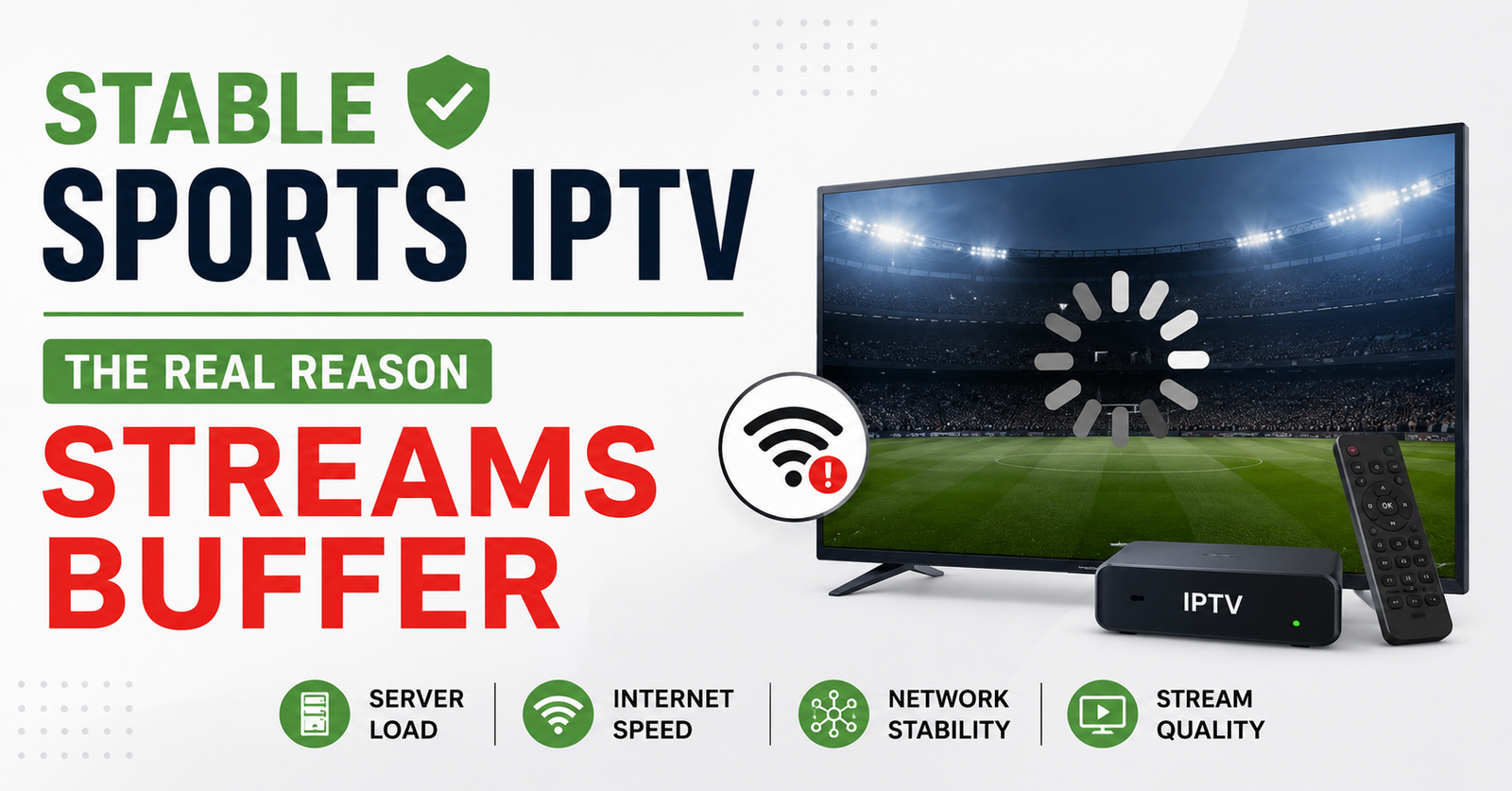
- Source overload — the provider oversold capacity and the origin server chokes under simultaneous demand
- No failover routing — one uplink hiccups and there’s no second path, so the stream dies instead of rerouting
- ISP-level interference — throttling or DNS poisoning that targets known streaming endpoints during high-traffic events
- Local issues — genuinely the customer’s WiFi, device, or app, but this is the minority of cases despite getting blamed first
The uncomfortable truth for any IPTV business owner: if you can’t see which layer failed, you’re guessing — and guessing in front of an angry customer.
The Infrastructure That Separates Stable From Cheap
This is where Stable Sports IPTV is won or lost. The difference between a panel that survives a derby and one that collapses comes down to redundancy nobody advertises.
| Cheap Setup | Infrastructure Built for Sports |
|---|---|
| Single origin source | Multiple geographically split sources |
| No failover | Automatic rerouting on failure |
| Shared, oversold capacity | Reserved headroom for peak events |
| One uplink | Backup uplinks with traffic engineering |
| Reactive (“wait and see”) | Active monitoring with alerts |
| DNS hardcoded, easily blocked | Dynamic DNS routing to dodge interference |
Load balancing is the quiet hero here. In plain English: instead of forcing every viewer through one door during a match, the system spreads them across several doors automatically. When one path slows, traffic shifts before the viewer ever sees a frozen frame. Backup uplinks mean that if the primary route to the source degrades, a second route picks up the slack within seconds.
The DNS Game Nobody Explains to Resellers
During one major tournament we watched an entire region’s subscribers lose streams simultaneously while customers in neighbouring countries had zero issues. It wasn’t the provider failing. It was an ISP poisoning DNS responses for specific endpoints during the event window — AI-driven traffic fingerprinting has made this far more aggressive in 2026 than it was even two years ago.
The fix is layered, and every IPTV reseller panel operator should know it cold:
- First line: switch the affected subscriber to Cloudflare DNS (1.1.1.1). This alone resolves a surprising share of “everything froze at kickoff” complaints.
- Second line: a reliable VPN, which bypasses endpoint-level interference entirely
- Provider side: Stable Sports IPTV at the infrastructure level means the source already rotates endpoints and uses geo-routing so ISP blocks become a moving target
Pro Tip: Keep a saved DNS-fix message ready to paste. The resellers who retain customers during enforcement waves aren’t the ones with perfect infrastructure — they’re the ones who respond in four minutes instead of four hours.
What Support Tickets Reveal About Churn
A mistake we see panel owners make repeatedly: treating sports-related complaints as one-off annoyances rather than the single biggest churn driver they have.
The data is brutal. A subscriber who experiences one frozen non-sports stream usually shrugs. A subscriber whose World Cup match buffers at a critical moment churns at a dramatically higher rate — and tells people why. Sports failures don’t just lose one customer; they damage word-of-mouth, which is how most IPTV reseller businesses actually grow.
One reseller lost nearly a third of his base over a single botched fixture night because his provider oversold capacity and he had no second source to fail over to. He’d been competing on price for a year. One bad evening erased all of it.
Why Two Providers Beats One Good One
This is the lesson most credit resellers learn the hard way. We’ve personally watched providers vanish overnight — panel access gone, no warning, customers stranded mid-subscription.
For anyone serious about Stable Sports IPTV, the operational rule is simple: maintain panel credits across two providers simultaneously. Not because one is bad, but because no single source survives every enforcement wave, outage, or disappearance. When your primary degrades during a big match, you migrate active customers to the backup in hours instead of losing them.
- Keep credits live on a second IPTV reseller panel at all times
- Test both during actual peak events, not in isolation
- Document a migration process before you need it, not during a crisis
- Never let a single point of failure hold your entire IPTV distribution network
Pro Tip: The cost of idle credits on a backup panel is trivial compared to the cost of a mass churn event. Treat it as insurance, not waste. Every experienced IPTV operator pays this premium quietly.
Devices Make Stable Sports IPTV Look Unstable
Even flawless infrastructure gets blamed when the device is the weak link. A quick field-tested ranking from onboarding thousands of subscribers:
- Firestick — easiest to set up, but cheap models thermally throttle during long matches and start buffering after 60+ minutes. Recommend the 4K version for heavy sports viewers.
- Android boxes — solid when decent hardware; terrible when bargain-bin
- Smart TVs (Samsung/LG) — app performance varies wildly by model year
- MAG boxes — the hardest to support and the most likely to generate “stream keeps dropping” tickets that aren’t actually your fault
Match-quality streaming demands consistent decoding. A weak device drops frames under load and the customer blames your service — so device guidance is part of delivering Stable Sports IPTV, not separate from it.
Frequently Asked Questions
What makes Stable Sports IPTV different from regular IPTV?
Stable Sports IPTV is engineered for concentrated peak load. During big matches, most subscribers hit identical streams simultaneously, overwhelming setups that run fine all week. It requires redundant sources, automatic failover, and reserved capacity — infrastructure that regular IPTV simply doesn’t stress-test under normal daily usage patterns.
Why does my sports stream buffer only during big games?
Because match day concentrates traffic. A Champions League night can push most active connections onto the same channels within minutes. If your provider oversold capacity or lacks failover, the source chokes precisely when demand peaks. The freeze isn’t your WiFi — it’s upstream load with no backup path.
How can a reseller deliver Stable Sports IPTV reliably?
Maintain panel credits across two providers, test both during actual peak events, and keep a documented migration plan ready. As an IPTV reseller, your reliability during fixtures — not your price — is what retains subscribers. A second source turns a catastrophic outage into a quick, almost invisible switchover.
Will changing DNS fix my buffering during matches?
Often, yes. Switching to Cloudflare DNS (1.1.1.1) resolves a large share of event-time freezes caused by ISP-level interference. If that fails, a reliable VPN usually does. Persistent issues across all networks point upstream to the provider rather than your local connection.
Is buffering always the provider’s fault?
No. Most freezes trace upstream to oversold capacity or missing failover, but a meaningful minority are device or ISP issues. Cheap Firesticks throttle during long matches; budget Android boxes drop frames. Diagnosing the actual layer — source, network, or device — matters more than assigning blame.
Does a better device improve sports streaming stability?
Significantly. Even perfect infrastructure looks broken on weak hardware. A 4K Firestick or a capable Android box decodes high-bitrate sports streams consistently, while bargain devices throttle after an hour. For serious sports viewers, device choice is a real part of stable, reliable streaming.
Execution Checklists
For Subscribers
- Switch to Cloudflare DNS (1.1.1.1) before kickoff
- Use a 4K Firestick or capable box for long matches
- Test the stream 15 minutes early, not at kickoff
- Keep a reliable VPN ready for event nights
For Resellers
- Maintain panel credits on two providers at once
- Stress-test both during real peak fixtures
- Write your migration process before a crisis hits
- Save a paste-ready DNS-fix reply for instant support
- Track which complaints are sports-specific — they predict churn
For Sub-Resellers
- Confirm your upstream panel owner has failover before reselling
- Never compete on price alone during fixture-heavy seasons
- Escalate event-time outages immediately, don’t sit on them
- Keep your own small backup source for emergencies
For UK IPTV resellers building reliability into their offering rather than just chasing the lowest credit price, working with an established panel like gbreseller.co.uk gives you the infrastructure backbone that survives match-day load.
Final Thought
Stable Sports IPTV isn’t won by the cheapest panel or the flashiest channel list — it’s won in the ten minutes around kickoff when everyone arrives at once. Build for that moment, keep a second source live, and respond fast when something breaks. The resellers still standing after every enforcement wave aren’t the luckiest ones; they’re the ones who treated reliability as the product itself.