
You’ve sorted your panel. You’ve loaded credits. You’ve got clients. And then — three days in — the complaints start. “Freezing on sports.” “Match went blurry right at the goal.” “Why does the stream look worse than YouTube?”
Nine times out of ten, nobody blames the IPTV video encoder. They blame the provider. They blame their ISP. They cancel.
The encoder isn’t glamorous. It doesn’t have a dashboard you refresh obsessively. But it is the single most consequential technical layer between a live broadcast signal and a subscriber’s screen — and most resellers have never once thought about what’s happening inside it.
This isn’t a breakdown of theory. This is what years of managing streams across multiple panel setups, surviving enforcement waves, and diagnosing late-night buffering calls actually taught about encoder architecture. If you’re running a UK IPTV reseller operation — whether you’re pushing 50 connections or 5,000 — the IPTV video encoder decisions made upstream from you are directly shaping your churn rate.
Let’s get into it.
What an IPTV Video Encoder Actually Does to Your Stream
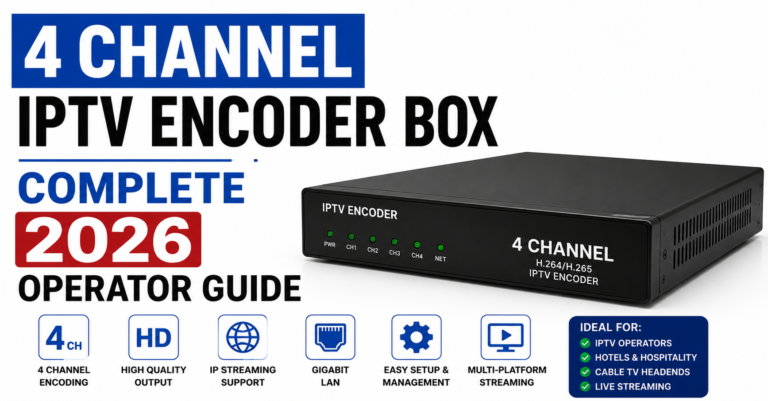
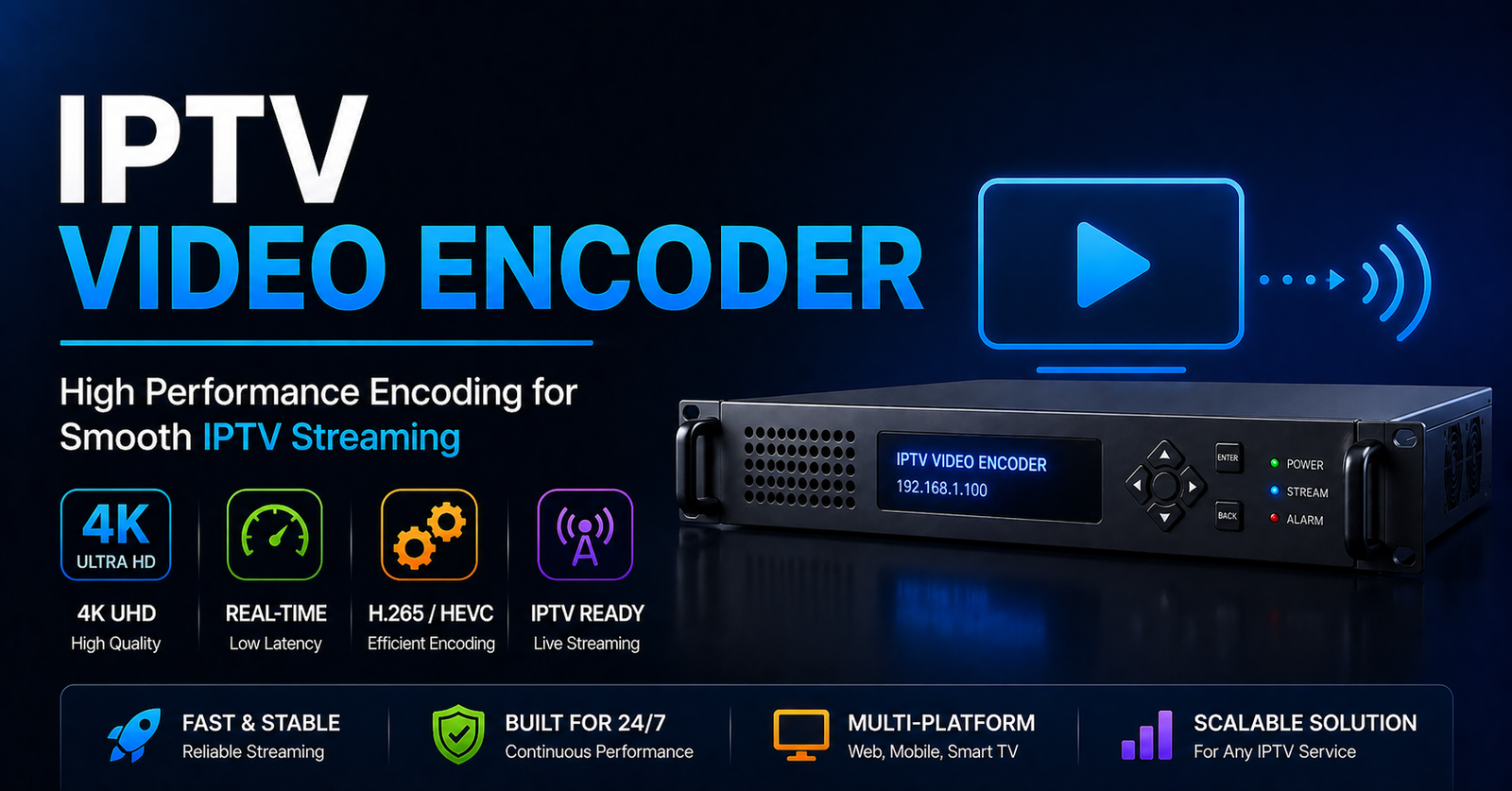
At its core, an IPTV video encoder takes a raw video signal — typically from a satellite feed, fibre input, or SDI source — and compresses it into a format that can travel across IP networks to your subscribers. That sounds simple. The execution is anything but.
The encoder determines:
- Which codec processes the signal (H.264, H.265/HEVC, AV1)
- The output bitrate, which governs quality versus bandwidth cost
- The container format (TS, HLS, DASH) your panel serves to devices
- How aggressively the signal is compressed during high-motion scenes
This last point matters enormously for sports streams. A fast-moving football match has significantly more frame complexity than a news channel. A poorly calibrated IPTV video encoder will either bloat the bitrate (causing buffering on weaker connections) or over-compress (turning the penalty shootout into a pixelated mess).
Bitrate profiles used by professional operators:
| Stream Type | Recommended Bitrate | Codec | Notes |
|---|---|---|---|
| SD Channels | 1.5–3 Mbps | H.264 | Stable on most devices |
| HD Channels | 4–8 Mbps | H.264 / H.265 | Preferred for general use |
| FHD Sports | 8–15 Mbps | H.265 | Requires capable decoder |
| 4K Streams | 15–25 Mbps | H.265 / AV1 | Limited device support |
Most mid-tier providers are running H.264 across the board because it’s the safest compatibility baseline. The problem is that H.264 at equivalent quality costs roughly double the bandwidth of H.265 — and that bandwidth overhead gets passed down through every server hop until it hits your subscriber.
Pro Tip: If your provider can’t tell you which codec their IPTV video encoder stack outputs, that’s a red flag. A serious operator knows exactly what’s leaving their encoder — because codec choice determines compatible device range, server load, and ISP detection surface all at once.
H.265 Adoption Is Accelerating — and Resellers Are Getting Caught Off Guard
The industry has been “almost ready” to switch to H.265 for years. In 2026, that transition is actually happening — and it’s creating a silent compatibility crisis for resellers who haven’t updated their device knowledge.
H.265 (HEVC) cuts bandwidth consumption by approximately 40–50% at equivalent visual quality. That’s not a marginal improvement — it’s the difference between a stream that buffers on a congested home network and one that plays cleanly. Leading IPTV video encoder hardware now defaults to H.265 output, and premium panel providers are following.
The problem for resellers: not all devices decode H.265 natively.
Devices with known H.265 limitations:
- Older Amazon Fire Stick generations (pre-2018)
- Budget Android boxes without hardware decode support
- Certain MAG box firmware versions that require manual update
- Some smart TVs manufactured before 2017
If you’re onboarding subscribers without asking about their hardware, you’re essentially blindfolding yourself on compatibility. A subscriber running a third-generation Fire Stick will experience stuttering on H.265 streams that plays perfectly on your test device.
Client onboarding question that eliminates this issue entirely: “What device are you using, and when did you buy it?” Two questions. Saves refund requests.
How ISPs Are Now Using Encoder Signatures to Block Streams
This is the angle most resellers don’t want to think about — but it’s becoming unavoidable in 2026.
Major ISPs are no longer relying solely on destination IP blocking. Deep packet inspection (DPI) has evolved to the point where certain encoder output signatures — specific bitrate patterns, codec fingerprints, HLS segment timing intervals — can be flagged algorithmically.
An IPTV video encoder that produces highly regular, predictable HLS segment lengths (uniformly 2-second chunks, consistent bitrate across all channels) creates a detectable pattern. Sophisticated DPI infrastructure at the ISP level can identify this as likely IPTV traffic and throttle it selectively, without blocking the IP outright.
What’s changing on the provider side to counter this:
- Variable segment lengths — rotating between 2, 3, and 4 second HLS chunks to break pattern regularity
- Bitrate variance injection — intentionally introducing minor bitrate fluctuations that mimic general web video traffic
- DNS-over-HTTPS (DoH) routing — reducing ISP visibility into stream request resolution
Pro Tip: DNS poisoning remains one of the most common tools used against IPTV infrastructure in UK and European markets. If your streams load on mobile data but not home broadband, that’s almost certainly a DNS-level block — not a server issue. Advising subscribers to switch DNS to a resolver that supports DoH resolves this in under two minutes.
Why Backup Uplink Servers Need to Be Part of Your Encoder Conversation
A high-performance IPTV video encoder is worthless if the uplink feeding it goes dark.
Professional operations run redundant uplink paths — typically a primary fibre connection and a secondary path via a different transit provider. When the primary uplink degrades or drops, the encoder automatically switches feed sources without stream interruption. To the subscriber, nothing happens. To a reseller running a single-path setup, it’s total downtime.
This matters more in 2026 than it did two years ago because enforcement actions have started targeting uplink infrastructure directly. Rather than pursuing end-user level blocks, some enforcement strategies now focus on disrupting the upstream feeds entering the encoder. Operations with single-uplink dependency go dark. Operations with redundant uplinks continue serving.
Uplink redundancy models:
- Active-passive failover — one primary uplink, one standby that activates on failure (90–120 second switchover time)
- Active-active load balancing — both uplinks carry traffic simultaneously, instant failover, higher cost
- Multi-CDN distribution post-encoder — redundancy built downstream of the encoder rather than upstream
Most panel providers at the mid-to-premium tier are running active-active at this point. If your provider has had repeated full-network outages rather than partial degradation, they’re almost certainly on active-passive — or worse, single-path.
The Load Balancing Problem That Kills Resellers During Peak Events
Here’s a scenario that has ended more than a few reseller businesses: major sports event, high concurrent viewership, panel goes down at kickoff.
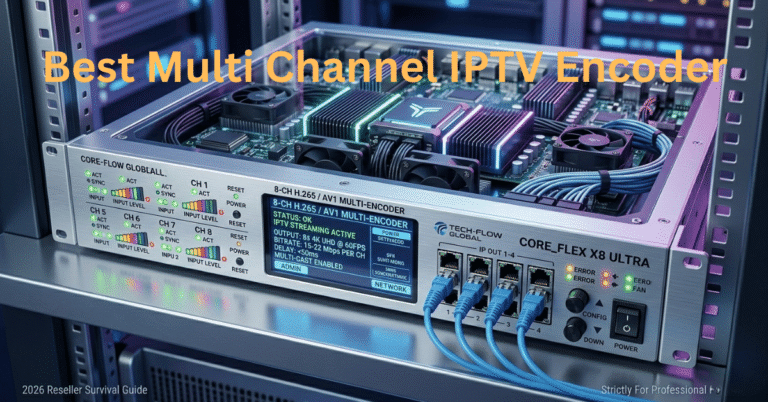
The IPTV video encoder infrastructure behind a professional operation isn’t a single machine producing a single stream. It’s a layered architecture:
- Ingest layer: Raw signal enters the encoder cluster
- Transcoding layer: Signal split into multiple quality profiles
- Distribution layer: Transcoded streams distributed across edge servers
- Delivery layer: Subscriber devices connect to closest edge node
When this system is under-provisioned — or when the load balancer isn’t configured correctly — peak concurrent connections overwhelm specific nodes while others sit idle. The result is selective buffering: some subscribers stream fine while others can’t load the channel at all.
Signs your provider has load balancing issues:
- Buffering that correlates specifically with event start times (kickoffs, race starts, fight cards)
- Channels that work fine at 2 AM but freeze during prime time
- Inconsistent performance across different geographic subscriber clusters
Pro Tip: Ask your provider directly: “How is traffic distributed across edge servers during peak concurrent load?” A provider who can answer that question with specifics — not marketing language — is running actual infrastructure. A provider who gives you vague reassurances is probably reselling someone else’s panel and has no visibility into the architecture.
Panel Credit Economics and the Encoder Tier You’re Actually Buying
Here’s something nobody explains clearly in the reseller ecosystem: panel credit pricing is often a proxy for encoder tier access.
Budget panel packages typically grant access to streams that have passed through more compression stages — often transcoded multiple times from the original encoder output. Each transcoding pass introduces quality degradation. A stream that started at 15 Mbps from a professional IPTV video encoder might be delivered to a budget panel subscriber at 4 Mbps after passing through three transcoding layers.
Premium panel credits, by contrast, often grant access to streams closer to the original encoder output — fewer hops, less compression, better HLS latency.
What the pricing difference is actually buying:
| Panel Tier | Encoder Hops | Typical Latency | Reliability During Events |
|---|---|---|---|
| Budget (lowest cost) | 3–4 hops from source | 8–15 seconds | Inconsistent |
| Mid-tier | 2–3 hops | 5–8 seconds | Generally stable |
| Premium | 1–2 hops | 2–5 seconds | High reliability |
HLS latency — the delay between a live event occurring and your subscriber’s screen showing it — is directly tied to how many encoder and distribution layers the signal passes through. Premium sports subscribers notice a 12-second stream delay when their neighbour’s satellite dish shows the goal first. That complaint is an encoder architecture complaint wearing a customer service disguise.
What Good IPTV Video Encoder Infrastructure Looks Like From the Reseller Side
You’re never going to see the encoder room. But you can infer a great deal about what’s running behind your provider by paying attention to specific signals.
Indicators of professional IPTV video encoder infrastructure:
- Consistent channel availability across device types (no “this channel only works on Android”)
- Stream quality that holds during high-motion scenes, not just static content
- EPG data that’s accurate and timely — requires synchronized encoder metadata output
- Sub-5-second HLS latency on premium channels
- Uptime that survives enforcement waves, not just off-peak periods
Red flags in provider infrastructure:
- Channels that “rotate” frequently without explanation (source instability at encoder level)
- Quality degradation that correlates with time of day (overloaded shared infrastructure)
- M3U lists that require frequent replacement (upstream encoding instability)
- MAG portal channels that work but M3U equivalents don’t (format conversion failures downstream of encoder)
Pro Tip: Run a speed test during a buffering event on your own connection. If your connection is clean but the stream is freezing, the problem is upstream — either at the distribution layer or the encoder itself. This diagnostic takes 30 seconds and immediately rules out subscriber-side issues.
Scaling From 50 to 500 Connections — What Changes in the Encoder Stack
Resellers who hit a ceiling at around 50–100 connections and can’t figure out why are almost always hitting a panel-side limitation that traces back to encoder architecture.
At small scale, the primary variable is connection count. At medium scale, the variables multiply:
- Geographic distribution of subscribers — a subscriber in Manchester and a subscriber in Dubai connecting to the same edge node creates radically different latency profiles
- Concurrent peak load — 50 subscribers watching different channels versus 200 subscribers all watching the same live event creates different server load patterns
- Device diversity — scaling means onboarding subscribers with a wider range of hardware, which means codec compatibility becomes a real management variable
Providers who support UK IPTV reseller growth at this scale typically offer:
- Multi-region edge server access (not just a single data centre)
- Separate stream profiles for different bitrate tiers
- Connection limit reporting that’s granular enough to help you manage capacity
The IPTV video encoder decisions made at provider level determine whether your operation can scale or whether you’ll hit a wall and start losing clients to competitors who made better infrastructure choices.
IPTV Video Encoder Checklist: What Every Reseller Should Verify
Stop guessing. These are the questions and checks that separate operators from order-takers.
Before committing to a panel provider:
- What codec does your IPTV video encoder primarily output? (H.264 / H.265 / mixed)
- What is the average HLS latency on premium sports streams?
- How many encoder hops separate the source from the end subscriber?
- Do you run redundant uplink connections to the encoder infrastructure?
- How is load distributed during peak concurrent events?
- What’s the failover time if a primary distribution node goes down?
For your existing subscriber base:
- Have you catalogued subscriber device types to identify H.265 compatibility gaps?
- Are you providing DNS resolver recommendations to subscribers in ISP-heavy blocking regions?
- Do you have a diagnostic script or guide for buffering complaints that rules out encoder-side versus subscriber-side issues?
- Have you tested stream performance during a live sports event at peak concurrent load?
For scaling readiness:
- Does your current panel provider offer regional edge server options?
- Can you access separate bitrate profiles for different subscriber tiers?
- Do you understand the panel credit cost difference between encoder tiers?
The IPTV video encoder isn’t a detail you delegate to your provider and forget about. It’s the foundation your entire subscriber experience is built on. Every buffering complaint, every churn, every “it works sometimes but not on match day” ticket traces back to decisions made at encoder level — decisions that were made long before your client ever hit play.
The resellers who last aren’t the ones with the lowest prices. They’re the ones who understand what they’re actually selling well enough to diagnose problems before clients walk.