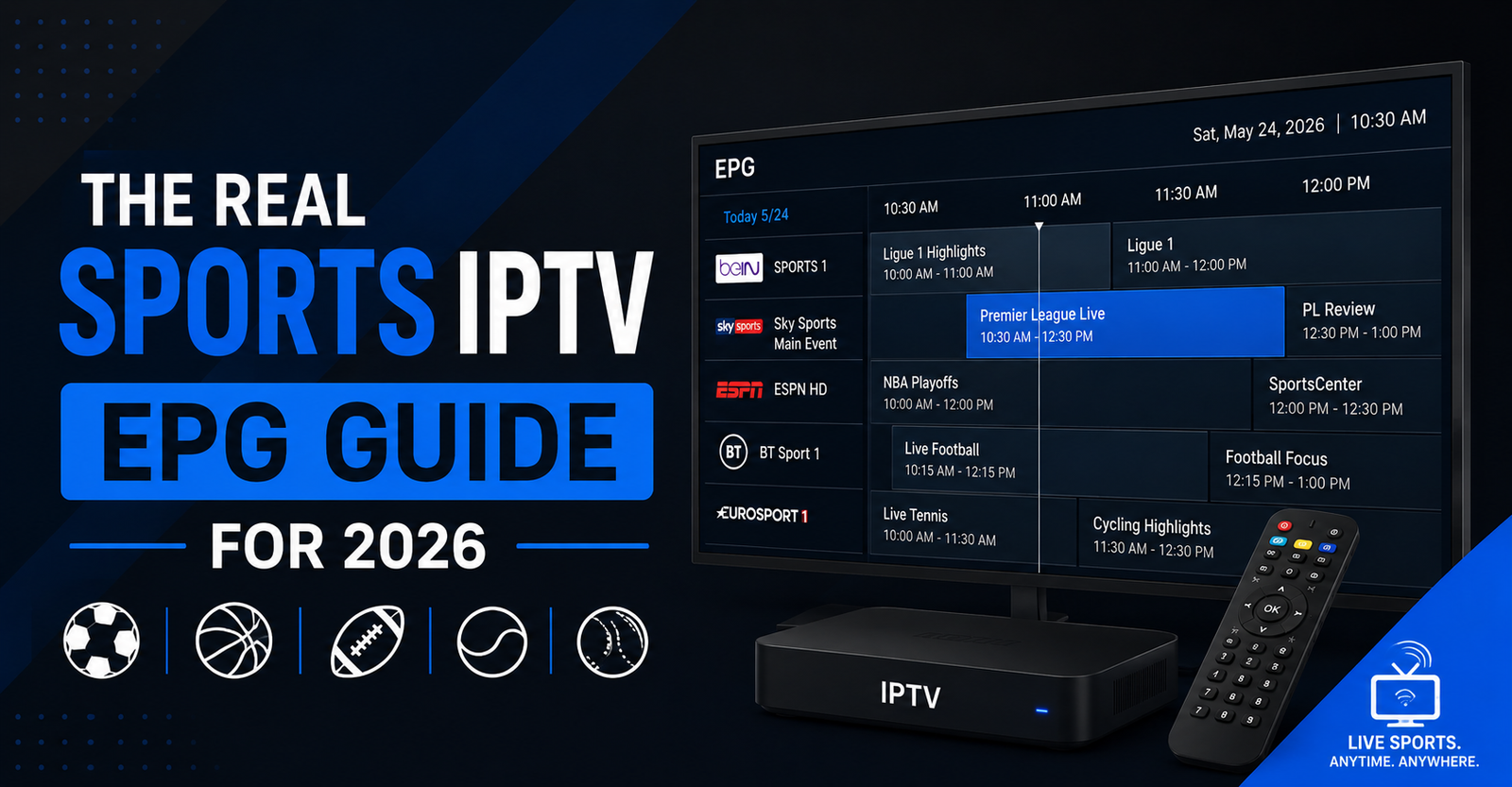

A subscriber once messaged us at 3 a.m. furious that the Champions League final wasn’t “on.” It was on. His EPG just said the channel was showing a cooking program, because the guide data was timezone-shifted by two hours and nobody had caught it. He’d been staring at the wrong listing while the match played live underneath it.
That tiny mismatch — guide says one thing, stream shows another — is the single most common complaint we see around any sports IPTV EPG guide. So let’s answer it before the deep dive.
The quick answer: When a sports IPTV EPG guide shows the wrong program, the cause is almost always one of three things — a timezone offset between the EPG source and the player, a stale XMLTV file that hasn’t refreshed, or a channel-ID mismatch where the guide data is mapped to the wrong stream. The fix is rarely the provider’s fault and rarely permanent. Refresh the EPG, confirm the timezone, and check that channel IDs line up. Roughly 80% of “EPG broken” tickets resolve at that point.
Everything past here explains why those three failures happen, how the data actually moves from source to screen, and what separates a sports IPTV EPG guide that survives a derby weekend from one that collapses the moment traffic spikes.
What an EPG Actually Is (And Why Sports Breaks It)
An EPG — Electronic Program Guide — is the on-screen schedule telling you what’s playing now and next. Behind it sits a file, usually XMLTV format, listing channel IDs, program titles, and start/stop times in a specific timezone.
For general channels this is sleepy data. A drama airs at 9 p.m. every Tuesday for a season. Sports is the opposite: schedules shift, kickoffs move for broadcast deals, a rain delay pushes everything back forty minutes, and a single channel might carry six different events in one afternoon. The EPG has to keep pace with all of that, and most don’t.
That’s the core tension. A sports IPTV EPG guide isn’t failing because the technology is weak — it’s failing because sports is the hardest possible content to schedule accurately, and the data pipeline was built assuming things stay still.
Pro Tip: If your guide is consistently off by a clean, round number of hours — exactly 1, 5, or 8 — it’s never a data problem. It’s a timezone declaration mismatch between the XMLTV
<programme>offset and your player’s local setting. Fixing the player timezone solves it instantly. Hunting for “better EPG” wastes a weekend.
How the Data Travels From Source to Screen
People assume the EPG lives inside their app. It doesn’t. Understanding the chain is what lets you diagnose problems instead of guessing.
The journey looks like this: a data aggregator compiles schedules → the panel or provider hosts an XMLTV/M3U EPG URL → your IPTV player (TiviMate, Smarters, OTT Navigator) downloads that file on a refresh cycle → the player matches each channel-id in the guide to the matching stream → it renders the timeline you see.
Break any link and the whole thing looks broken to the user, even when the stream itself is flawless. After reviewing hundreds of support requests, we found the failure almost never sits where the customer thinks it does.
| Where users think EPG breaks | Where it actually breaks |
|---|---|
| The stream is down | Stream is fine; guide data is stale |
| Provider has “bad EPG” | Channel IDs don’t match the M3U |
| App is buggy | Refresh interval set too long |
| Wrong channel | Player timezone misconfigured |
| Server overloaded | Aggregator hadn’t updated the fixture yet |
Why Sports Listings Go Wrong During Big Events
Here’s where experience matters more than theory. A sports IPTV EPG guide behaves completely differently on a quiet Wednesday than it does on a Saturday with three leagues running at once.
During a major sports event, two things happen simultaneously. First, the aggregator’s source data is under pressure — broadcasters announce channel allocations late, sometimes only hours before kickoff, so the EPG genuinely doesn’t have correct information yet. Second, every player on your network hits the EPG URL to refresh at roughly the same time, and a server provisioned for normal load chokes.
We watched exactly this during a Premier League “Super Sunday” — the streams held perfectly, but the EPG endpoint timed out under the refresh stampede, and suddenly hundreds of guides showed blank. The content was never the problem. The guide-delivery infrastructure was.
Pro Tip: Stagger your EPG refresh windows. If every device pulls the guide at the top of the hour, you’ve built a self-inflicted traffic spike. Setting players to refresh every 8–12 hours on slightly randomised schedules flattens that curve and keeps the guide alive when it matters most.
A Reseller’s View: Why EPG Quality Drives Churn
For any IPTV UK reseller, the EPG is a silent retention tool, and most panel owners underrate it badly. Subscribers forgive a buffer. They rarely forgive opening the guide twenty minutes before a fight and seeing nothing scheduled.
A mistake we repeatedly see among newer resellers: they obsess over channel count and ignore guide accuracy entirely. One reseller lost a cluster of customers not because the streams failed, but because his sports IPTV EPG guide showed last week’s fixtures during a cricket tour — subscribers assumed the service was dead and moved on.
If you run a reseller panel, EPG accuracy is part of your product, not an afterthought. The strongest IPTV operators treat guide data as seriously as stream uptime. When you’re allocating panel credits to a sub-reseller, you’re also handing them your EPG quality — and their customers will judge the whole IPTV distribution network by whether the guide tells the truth.
Pro Tip: Before a big fixture weekend, manually open the guide on the three most-used player apps yourself. A UK IPTV reseller panel that looks fine in the dashboard can still render a broken sports IPTV EPG guide on a specific app version. The dashboard is not the customer’s experience.
Matching Channel IDs: The Fix Nobody Explains
This is the most technical failure and the most fixable. Your M3U playlist gives each channel an ID (often tvg-id). Your EPG file labels each program block with a channel attribute. The player matches them. If those two strings don’t match exactly — including case and hidden characters — the channel exists, the stream plays, but the guide stays empty.
Here’s the diagnostic process we use:
- Open the channel showing no guide data.
- Check its
tvg-idin the M3U. - Open the EPG XML and search for that exact ID.
- If it’s missing or spelled differently, that’s your culprit.
- Correct the mapping in the panel, or override the
tvg-idin the player.
Most “the EPG doesn’t work” complaints are a handful of mismatched IDs, not a systemic failure.
What Separates a Reliable Guide Setup
Not all guide infrastructure is built equally, and the difference shows precisely when load arrives.
| Weak EPG Setup | Resilient EPG Setup |
|---|---|
| Single EPG URL, no backup | Mirrored EPG endpoints |
| Refreshes only on app open | Scheduled background refresh |
| One aggregator source | Multiple cross-checked sources |
| No timezone normalisation | Timezone handled server-side |
| Manual fixture updates | Automated near-live updates |
| Buckles during peak events | Stable under refresh spikes |
The right column costs more to run. That cost is exactly why cheap services show broken guides every derby weekend — the infrastructure was never built to handle sports-event traffic spikes. For operators evaluating a serious upstream, the difference in guide stability is one of the clearest quality signals, which is partly why established services like britishseller.co.uk treat EPG delivery as core infrastructure rather than a bonus feature.
Devices Handle EPG Differently — Plan For It
One overlooked reality: the same sports IPTV EPG guide renders differently across players. TiviMate caches aggressively and shows rich guide data but needs a manual refresh after schedule changes. IPTV Smarters Pro is lighter but more sensitive to malformed XML. OTT Navigator handles multiple EPG sources well. A Firestick with limited RAM may truncate a large guide file that a dedicated Android box loads fine.
We noticed unusual behaviour on low-spec Firesticks during one tournament — the guide loaded for the first few hundred channels then silently stopped. The fix wasn’t the EPG at all; it was trimming the playlist so the device could parse the whole file.
Frequently Asked Questions
Why does my sports IPTV EPG guide show the wrong times?
Almost always a timezone mismatch. The EPG file declares times in one timezone while your player is set to another, shifting every listing by a fixed number of hours. Set your player’s timezone to match your actual location, force an EPG refresh, and the listings should align with the live broadcast immediately.
How often should a sports IPTV EPG guide update?
For sports, every 8–12 hours is a sensible refresh interval, with a manual refresh before major fixtures. Sports schedules change late, so a guide that only updates once daily will miss last-minute channel allocations. Avoid refreshing too frequently across many devices, as that creates load spikes that break the guide during peak events.
Why is the channel playing but the guide is empty?
This is a channel-ID mismatch. The stream works because the M3U is fine, but the tvg-id in your playlist doesn’t match the channel ID in the EPG file, so the player can’t link them. Correcting the ID mapping in your panel or overriding it in the player restores the guide data.
Does EPG accuracy matter for an IPTV reseller?
Significantly. For an IPTV reseller, guide accuracy is a direct retention factor — subscribers who open a broken sports IPTV EPG guide before a big match often assume the whole service has failed and churn. A reseller panel with reliable, well-mapped EPG data reduces support tickets and protects the reputation of the entire distribution network.
Can I fix EPG problems myself as a subscriber?
Often yes. Most issues a subscriber faces are solved without contacting support: check your player’s timezone, force a manual EPG refresh, confirm you’re on the correct channel, and restart the app. These four steps resolve the majority of guide complaints before any provider-side action is needed.
Why does the guide break during big sports events specifically?
Two reasons stack up. Broadcasters confirm channel allocations late, so source data is incomplete near kickoff, and every device refreshes around the same time, overloading the EPG server. Weak infrastructure with a single EPG endpoint can’t absorb that refresh stampede, which is why guides go blank exactly when demand is highest.
Which IPTV player handles EPG data best?
It depends on your device. TiviMate offers the richest guide experience on capable hardware, OTT Navigator manages multiple EPG sources cleanly, and IPTV Smarters Pro is lightweight but needs well-formed data. On low-RAM devices like older Firesticks, a trimmed playlist matters more than the app choice itself.
Is a broken EPG the same as a broken stream?
No, and confusing the two wastes time. A broken EPG means the schedule data is wrong or missing while the stream itself may be playing perfectly. Always test whether the channel actually plays before assuming the service is down — most “everything’s broken” reports are guide-data issues, not stream failures.
Action Checklists
For Subscribers
- Set your player’s timezone to your actual location before troubleshooting anything else.
- Force a manual EPG refresh before any major match or event.
- Confirm the channel actually plays before assuming the guide problem is a service outage.
- Restart the app if the guide loads partially or freezes.
- On low-RAM devices, use a trimmed playlist rather than a full one.
For Resellers
- Test your sports IPTV EPG guide on TiviMate, Smarters, and OTT Navigator before fixture weekends.
- Verify
tvg-idto EPGchannelmapping for all sports channels. - Stagger refresh intervals across customer devices to avoid self-inflicted load spikes.
- Confirm your upstream provides a mirrored or backup EPG endpoint.
- Treat guide accuracy as a tracked retention metric, not an afterthought.
For Sub-Resellers
- Replicate the panel owner’s tested EPG configuration rather than improvising your own.
- Document which player apps your customers use most and test those specifically.
- Escalate ID-mapping errors upstream immediately instead of patching device-by-device.
- Check guide accuracy yourself before every major sporting weekend.
Conclusion
A sports IPTV EPG guide rarely “breaks” in the way customers assume. The stream is usually fine; the failure sits in timezone settings, stale data, channel-ID mismatches, or infrastructure that buckles under refresh load during big events. For subscribers, four simple checks resolve most issues. For any IPTV reseller or panel owner, guide accuracy is a retention tool that quietly protects your distribution network. Treat the sports IPTV EPG guide as core infrastructure, and most of the complaints disappear before they start.
The real lesson: never debug the stream first. Check whether the channel plays — if it does, your problem is data, not delivery, and data problems are almost always faster to fix than people fear.



