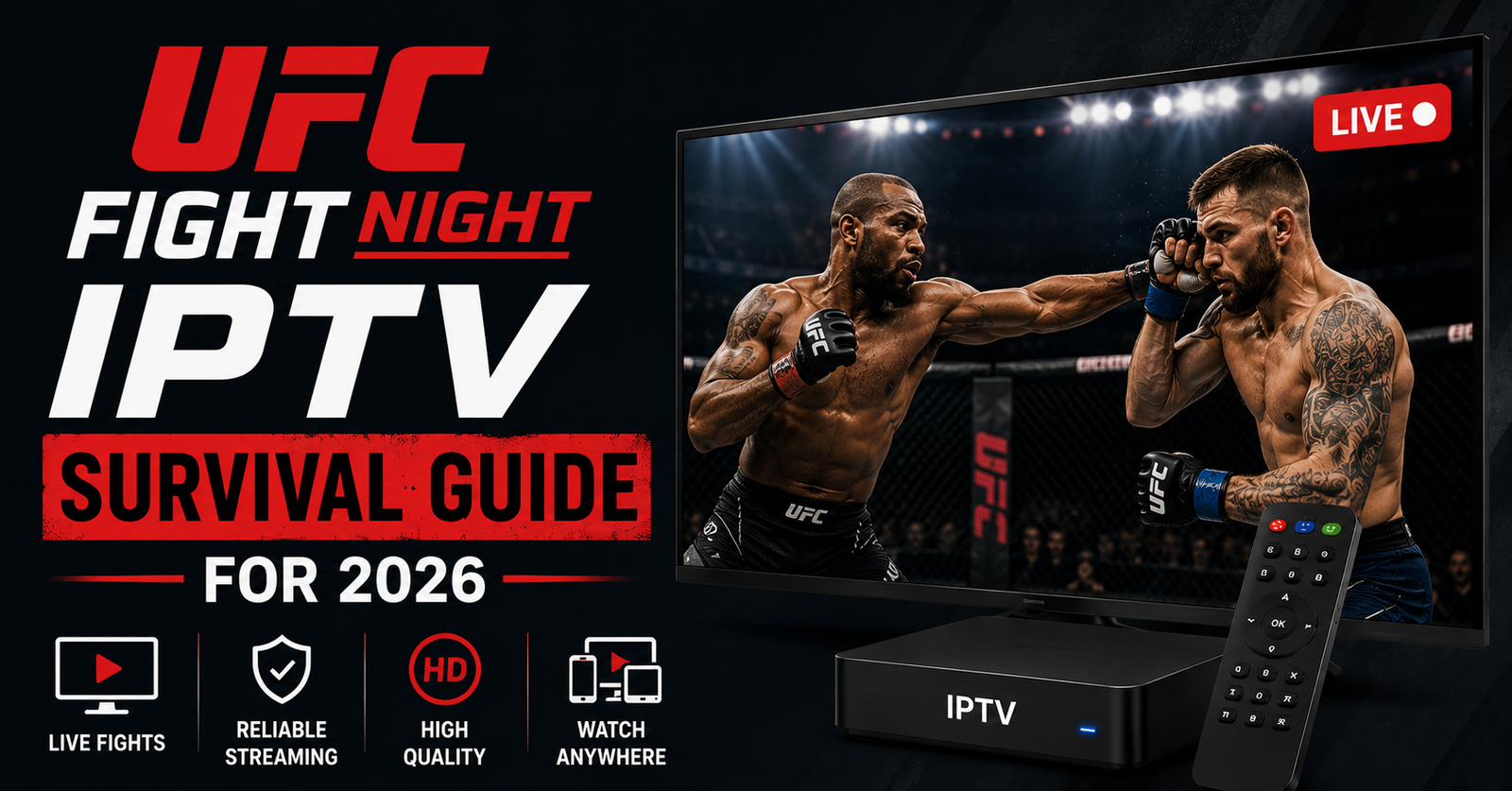

What 11pm on a UFC Fight Night Taught Us About IPTV That No Manual Ever Did
The screen froze on a head kick. Not a clean freeze either — that ugly pixel-smear where the codec gives up halfway through a frame. It was the co-main event, the buffer wheel started spinning, and within ninety seconds our support inbox had forty-three new tickets. That was a single Saturday. That is the reality of UFC Fight Night IPTV, and anyone who tells you it “just works” has never watched their own infrastructure melt during a finish.
So here is the short answer before anything else: most UFC Fight Night IPTV problems are not your internet, and they are not the app. They are concurrency. Thousands of viewers hit the same stream within the same five-minute window because everyone tunes in for the same fight at the same moment. Cheap setups buckle under that synchronized load. The fix — whether you are a subscriber or an IPTV operator running a IPTV reseller panel — is almost always about redundancy, source quality, and a backup plan you set up before the walkout music plays, not during.
That is the whole game in one paragraph. The rest of this is the field notes: why it happens, what actually breaks, and what separates a stream that holds through a five-round war from one that dies in round two.
The concurrency problem nobody warns subscribers about
A movie stream and a live UFC Fight Night IPTV stream are not the same animal. With on-demand content, viewers spread out across hours. With live combat sports, demand spikes into a razor-thin window. When Dana White’s production cuts to the octagon, a huge percentage of the entire subscriber base presses play inside the same few minutes.
Single-source infrastructure cannot absorb that. The origin server saturates, the uplink chokes, and the picture degrades for everyone simultaneously — not just the late arrivals.
Pro Tip:
If your stream consistently dies during the main card but holds fine during prelims, that is not a coincidence. Prelims have a fraction of the concurrent load. A main-card-only failure is a textbook concurrency ceiling, and no router reboot will fix it.
Why “my other channels work fine” is a misleading test
Subscribers constantly tell support, “But Netflix is perfect, so my connection is fine.” That comparison sounds logical and is almost completely useless for diagnosing a UFC Fight Night IPTV issue.
Here is the difference, plainly:
| What you’re comparing | Why it misleads you |
|---|---|
| Netflix / VOD | Massive CDN, content cached near you, viewers spread out |
| A 24/7 IPTV channel | Steady, predictable, low-spike load |
| Live UFC Fight Night | Sudden synchronized spike onto a single live origin |
| Your speed test | Measures idle bandwidth, not behaviour under a live event |
A speed test at 8pm tells you nothing about what happens when 6,000 people slam the same feed at 11:14pm. The bottleneck is rarely the last mile into your home — it is upstream, where the live feed originates and routes.
After reviewing hundreds of fight-night support tickets
We went back through an entire year of event-night support requests once, sorting them by what the viewer described versus what was actually wrong. The pattern was almost embarrassing in its consistency.
- “Buffering only during the big fight” → concurrency saturation on a single source
- “Audio fine, video frozen” → the player is starving for video keyframes, usually upstream packet loss
- “Worked last week, dead this week” → the card was bigger; more concurrent load exposed the ceiling
- “First 10 seconds great, then dies” → buffer drained faster than the feed could refill it
- “Only on my Firestick, fine on phone” → device decoding limits, not the stream
Notice how few of these were genuinely the customer’s fault. For an IPTV business owner, that distinction matters enormously, because blaming the customer is the fastest way to lose them.
The buffering chain — where the picture actually breaks
People say “buffering” as if it is one thing. It is a chain, and the fight feed can snap at any link.
The live signal arrives at an origin, gets transcoded into HLS segments, those segments route through delivery infrastructure (ideally a CDN), then travel across the open internet, through the viewer’s ISP, into their app, which decodes and displays. A UFC Fight Night IPTV stream is only as strong as the weakest link in that chain.
Pro Tip:
HLS latency is the quiet killer. If your segments are too large, every hiccup forces a longer re-buffer. Tight, well-tuned segment sizing recovers from a stumble in seconds instead of stalling for half a minute — long enough to miss the knockout.
The two links operators control most are the origin source and the delivery path. The links subscribers control are device choice and, to a degree, their local network. Everything in between is shared territory.
Why ISP behaviour gets weird on big event nights
Here is something we noticed across multiple event weekends: stability does not just depend on your infrastructure, it depends on how ISPs behave when millions of people stream live sport at once.
On large fight nights, some ISPs visibly shape or throttle traffic patterns that look like sustained high-bitrate video. It is not always targeted blocking — sometimes it is plain network congestion at peak hour. But in 2026, AI-driven traffic fingerprinting has made certain ISPs noticeably more aggressive at identifying and de-prioritising live streaming flows.
This is exactly why single-uplink, single-route setups are fragile. When one path gets throttled or congested, there is nowhere for the traffic to go.
| Cheap single-source setup | Properly engineered delivery |
|---|---|
| One origin, one route | Multiple sources, geo-routed |
| No failover | Automatic failover mid-event |
| No backup uplink | Redundant uplinks |
| Throttle = total failure | Throttle = reroute, viewer barely notices |
| Reactive (fix after it breaks) | Monitored live during the event |
What the churn data showed us about event nights
Customer retention and fight nights are linked far more tightly than most resellers realise. We tracked cancellations against the event calendar once, and the spike was undeniable: cancellations climbed sharply in the 72 hours after a major card that streamed badly.
The logic is brutal but simple. A subscriber forgives a glitchy random Tuesday. They do not forgive missing the finish of a fight they waited a month for. That single failed UFC Fight Night IPTV experience is the emotional trigger that ends the relationship.
Pro Tip:
The most effective churn-reduction move for any reseller panel is not a discount — it is a proactive message before a major event saying “we’ve scaled up for tonight.” It reframes you as an operator who plans, and it dramatically softens the blow if something still goes wrong.
For a panel owner, this means event nights are not just a technical test. They are a retention event. Every credit reseller and sub-reseller downstream feels the churn too, because dissatisfied end-users churn out of their customer base, then they churn out of yours.
A mini case study: the reseller who scaled the wrong thing
One reseller we worked with kept buying more panel credits, convinced that more credits meant more capacity. That is a common and expensive misunderstanding.
Panel credits are billing units — they let you create and manage subscriber lines. They are not bandwidth. They are not server capacity. He had plenty of credits and a fragile single-source feed underneath them. On a packed Fight Night card, his entire customer base went down at once. The credits were irrelevant; the infrastructure was the problem.
He moved to a provider with redundant sources and proper failover, kept his existing credit balance, and his next event night passed without a single mass-outage ticket. The lesson for any IPTV operator: scale the foundation, not the billing layer.
What subscribers can actually control
You do not run the infrastructure, but you are not powerless either. A few choices meaningfully change your odds on a UFC Fight Night IPTV stream.
- Use a wired Ethernet connection for the event if you possibly can — Wi-Fi adds an unstable link.
- Restart your streaming device a few hours before, not during, the card.
- Pick a device with proper hardware decoding; underpowered boxes stall on high-bitrate live feeds.
- Close background apps eating bandwidth and CPU.
- If your provider offers a backup stream or alternate server, know where it is before the main event.
None of these fix a broken origin. But they remove the links you control from the failure chain, so when something breaks you can be confident it is upstream.
The 2026 reality for IPTV operators
The bar has risen. Subscribers in 2026 expect live sport to behave like a major streaming platform — instant, stable, no excuses. Meanwhile delivery has gotten harder, not easier, thanks to smarter traffic shaping and more aggressive network-level interference.
That squeeze is exactly why serious IPTV operators have moved toward infrastructure diversification: multiple origins, geo-aware routing, automated failover, and live monitoring during events rather than after them. Providers who treat reliability as a core feature — the way British TV Solutions and similar operators position event-night stability — are the ones keeping subscribers through the cancellation-prone window after a big card.
The UK IPTV reseller panel is the easy part to buy. The delivery quality underneath it is what actually retains customers.
Frequently Asked Questions
Why does my UFC Fight Night IPTV stream only buffer during the main event?
Because the main card creates a synchronized concurrency spike — thousands of viewers loading the same live feed in the same few minutes. Single-source infrastructure saturates under that load. Prelims have far less concurrent demand, which is why they often play perfectly while the headline fight stalls.
Is buffering during UFC Fight Night IPTV my internet’s fault?
Usually not. If your other channels and VOD work fine, the bottleneck is almost always upstream — origin saturation, routing, or ISP congestion during peak event traffic. A speed test measures idle bandwidth, not how the network behaves when millions stream live sport simultaneously.
What should an IPTV reseller do before a major fight night?
Confirm your provider has redundant sources and failover, not just available panel credits. Message your subscribers proactively that you’ve scaled for the event. Credits are billing units, not capacity — an IPTV operator with a fragile single source will go down regardless of how many credits sit in the panel.
Why do cancellations spike after a bad UFC event stream?
Subscribers tolerate occasional glitches but rarely forgive missing a fight finish they anticipated for weeks. That emotional disappointment is a strong churn trigger. For a reseller panel, this makes event nights a critical customer-retention moment, not merely a technical one.
Does a VPN help with UFC Fight Night IPTV buffering?
Sometimes, if your ISP is throttling streaming traffic, a VPN can reroute around it. But a VPN adds an extra network hop, which can increase latency. It helps with targeted throttling and does nothing for a saturated or broken origin source upstream.
What device works best for live UFC streams?
One with strong hardware decoding and enough processing headroom for high-bitrate live feeds. Underpowered boxes stall on fast-motion combat footage even when the stream itself is healthy. Wired Ethernet plus a capable device removes the links a subscriber actually controls from the failure chain.
Can a sub-reseller be blamed for outages they didn’t cause?
Often yes, unfairly. A sub-reseller sits on top of the same infrastructure as the panel owner above them. When the shared source fails on a big card, end-users blame the sub-reseller they bought from — which is why source reliability protects the entire IPTV distribution network, top to bottom.
How many concurrent viewers can break a UFC Fight Night IPTV stream?
There’s no fixed number — it depends entirely on origin and uplink capacity. A weak single-source setup can choke with a few thousand simultaneous viewers. Properly engineered, geo-routed delivery with redundant uplinks absorbs far higher synchronized spikes without visible degradation.
Execution checklists
For subscribers
- Switch to wired Ethernet before the event starts
- Restart your device hours ahead, never mid-card
- Locate your provider’s backup stream in advance
- Close bandwidth-heavy background apps
- Use a device with real hardware decoding
For resellers / panel owners
- Verify redundant sources and failover with your provider before every major card
- Stop equating panel credits with capacity — they are separate things
- Send a proactive pre-event message to your subscriber base
- Monitor streams live during the event, not after the complaints arrive
- Track cancellations against the event calendar to spot fragile cards
For sub-resellers
- Confirm the upstream source quality of the panel owner you buy from
- Set realistic event-night expectations with your own customers
- Keep an alternate provider relationship as insurance
- Pass proactive event notices down to your end-users
- Escalate source-level issues upward fast, since you can’t fix them yourself
Conclusion
A UFC Fight Night IPTV stream is the single hardest test your setup faces, because it concentrates the entire load into the moment people care about most. Buffering during the main event is rarely the viewer’s connection — it is concurrency hitting a ceiling on weak infrastructure. Subscribers can clean up the links they control, but the decisive factor is upstream: redundant sources, real failover, and an IPTV operator who monitors live instead of reacting late. For any reseller panel, getting UFC Fight Night IPTV right is as much about customer retention as it is about technology, because one missed finish is all it takes to lose someone for good.
The deeper lesson is simple: reliability is built before the walkout, not during the fight. Plan for the spike you know is coming, and the night that breaks everyone else’s stream becomes the night that wins you loyal subscribers.



