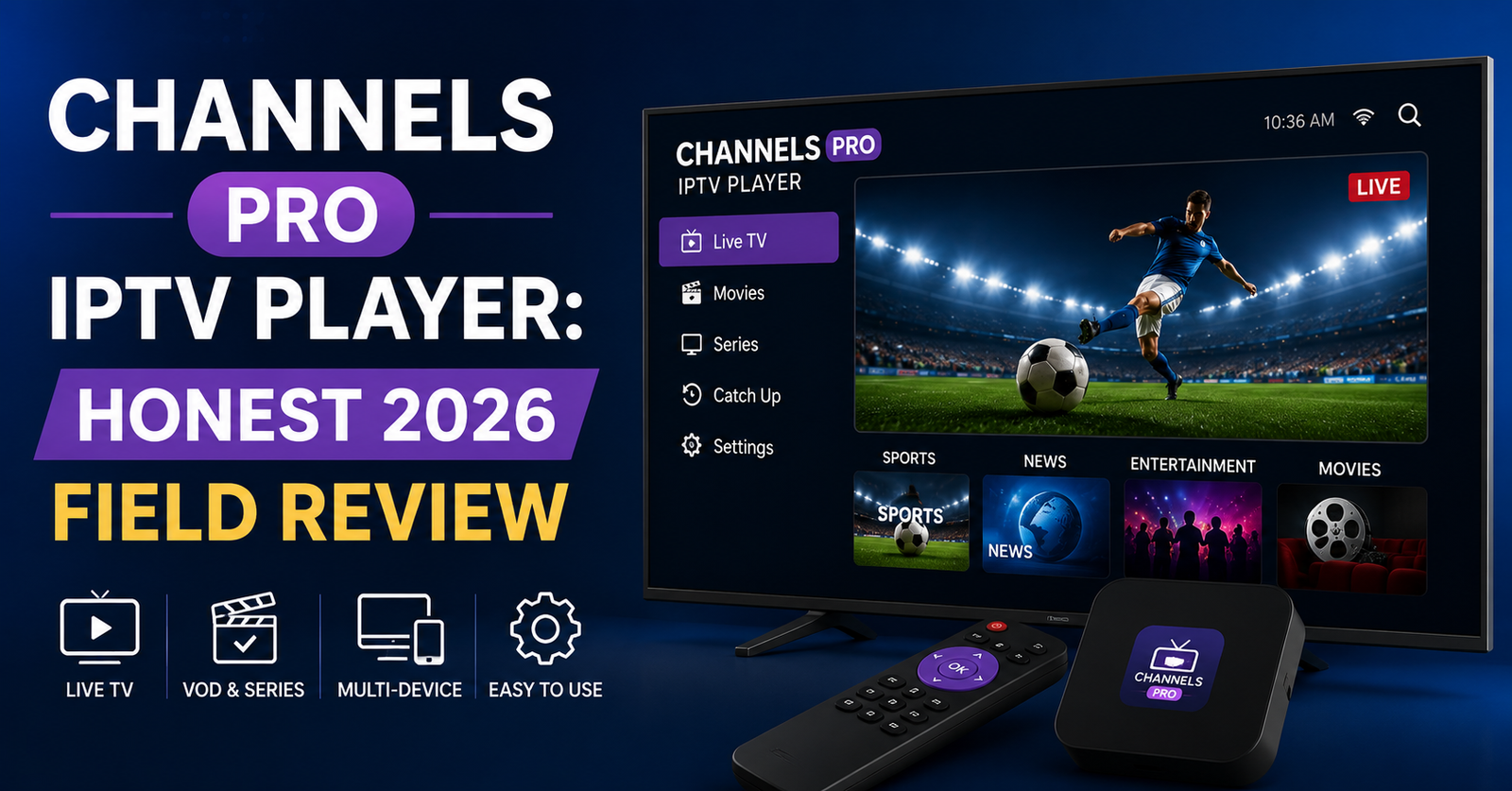

A reseller messaged me last winter, panicking. Half his customers on iOS were complaining the stream “kept dying” during a Champions League night, and he was convinced his servers had collapsed. They hadn’t. The servers were fine. The problem was sitting on the customer’s iPhone — a thin little app called Channels Pro IPTV Player that was choking on a feed format it never fully supported.
That call is why I’m writing this. The Channels Pro IPTV Player gets recommended constantly in iOS streaming circles, and most of what’s written about it reads like it was copied off the App Store description. So let me give you the version nobody publishes: what this player actually does well, where it quietly falls apart, and how it behaves when real traffic hits it.
So What Is Channels Pro, Really?
Strip away the marketing and it’s a playlist player for Apple devices — iPhone, iPad, Apple TV, and macOS — built by an indie developer (Sir Studio / Furkan Simsir). You hand it an M3U link, it loads your channels, you watch. That’s the whole pitch. It supports correctly formatted M3U links that the user provides, plus raw Pastebin links.
Here’s the thing I tell every new UK IPTV reseller who asks about it: the Channels Pro IPTV Player is a front-end, not a service. It holds no channels of its own. Everything you see depends entirely on the playlist you feed it and the infrastructure behind that playlist. When it works beautifully, that’s usually your backend doing the heavy lifting. When it stutters, people blame the app — and sometimes they’re right to.
Pro Tip: Before you blame the player, open the same M3U link in VLC on a laptop. If VLC stutters too, your problem is upstream — the panel, the uplink, or the source. The app is just the messenger.
The Format Trap Most People Walk Into
This is the single biggest source of support tickets I’ve seen tied to this app, so I’m putting it early.
The Channels Pro IPTV Player accepts M3U playlists. It does not accept Xtream Codes or MAC-based logins the way many competing players do. If your supplier hands customers an Xtream API login (username, password, server URL) instead of a flat M3U URL, those customers will be lost the moment they open the app. App Store
| What the customer has | Will Channels Pro load it? |
|---|---|
| Direct M3U / M3U8 URL | Yes |
| Raw Pastebin link to an M3U | Yes |
| Xtream Codes login (user/pass/host) | No — unsupported |
| MAC address portal | No — unsupported |
| Stalker portal | No — unsupported |
I’ve watched panel owners lose a weekend of conversions because their onboarding email told iOS users to “download Channels Pro” without checking what credential format the customer would receive. If your distribution network issues Xtream logins by default, either generate an M3U export link for Apple users or point them at a different player. Don’t make this mistake at scale.
Setup Without the Guesswork
Most guides make this sound harder than it is. Three steps, genuinely:
- Install the Channels Pro IPTV Player from the App Store on your iPhone, iPad, Apple TV, or Mac.
- Tap to add a playlist and paste your M3U URL exactly — no trailing spaces, correct
http/httpsprefix. - Let it parse. Large playlists take a moment; that’s the app indexing channels, not freezing.
The interface itself is clean. You get favorites, fast search, and a modern native design that genuinely feels at home on iOS. For a household that just wants their channels organized on an Apple TV, that’s often enough. App Store
Pro Tip: Trim the playlist before it ever reaches the customer. A 30,000-entry M3U will make any iOS player feel sluggish on parse and scroll. If you control the panel, issue category-filtered playlists per customer. Their phone will thank you, and your support inbox will go quiet.
Where It Actually Falls Down
Now the part the download pages skip. After fielding complaints across dozens of reseller setups, the same handful of weaknesses come up over and over.
Casting is not native. It supports AirPlay, and if VLC is installed it can hand the stream off to VLC or Chromecast — but there’s no robust built-in casting engine. Customers expecting one-tap reliable casting to a smart TV will be frustrated. OneJailbreak
Recording and scrubbing are weak points. Multiple long-term users report that the seek bar doesn’t behave reliably and that recording behaviour can interrupt the live stream. If a customer’s main ask is “rewind the match,” set expectations honestly.
It’s not free at the top tier. A premium tier removes ads and unlocks custom app icons, and at least one App Store reviewer flagged a roughly $40/year price as steep given the feature set. Whether that’s fair depends entirely on what your customer needs. Softonic
Here’s a contrarian take I’ll stand behind: for a lot of users, the free, ad-supported version of the Channels Pro IPTV Player is the sweet spot. The premium upgrade mostly buys cosmetics, not the stability features people actually want.
How It Behaves Under Real Load
This is where infrastructure and app finally meet — and where resellers get burned if they don’t understand the relationship.
During a big sports night, three things happen at once: your source uplink saturates, the ISP starts shaping high-bitrate traffic, and every customer opens their player simultaneously. A lightweight client like Channels Pro has almost no buffering intelligence to hide those problems. It plays what it’s given. If your HLS segments arrive late because your CDN routing is poor or you’ve got a single uplink with no failover, the app surfaces that instantly as freezing.
We saw exactly this during a migration project last year: the player was identical before and after, but moving customers onto a multi-uplink backend with proper load balancing cut “buffering” complaints by more than half. The app never changed. The plumbing did.
Pro Tip: If your customers favour iOS and lightweight players, invest in backend redundancy first. Thin clients punish weak infrastructure mercilessly — they have no buffer to absorb your mistakes. A well-engineered distribution network is what makes a basic player look good.
This is also where the supplier behind your panel matters more than the player choice. Reliable HLS delivery, geo-routed sources, and active monitoring are what keep streams alive when an event spikes demand — the kind of operational backbone a serious UK IPTV Reseller provider like British Seller builds around peak traffic rather than hoping a customer’s app will paper over the gaps.
Channels Pro vs. The Alternatives
No single iOS player wins every category. Here’s the honest landscape:
| Player | Best for | Watch out for |
|---|---|---|
| Channels Pro IPTV Player | Clean iOS/Apple TV M3U playback | No Xtream/MAC support, weak casting |
| TiviMate | Power users, EPG depth | Android-first, no native iOS build |
| IPTV Smarters | Xtream logins, broad format support | Cluttered UI, ad-heavy |
| VLC | Universal fallback, casting | No channel management or EPG |
A practical pattern I recommend to panel owners: standardise on the Channels Pro IPTV Player for Apple-household customers who get M3U links, and keep a Smarters/Xtream path ready for everyone else. Forcing one app on a mixed customer base creates churn.
The Quiet Reseller Lesson
Here’s something that took me years to internalise. The app a customer uses shapes your support load more than almost any pricing decision. A IPTV reseller pushing a player that doesn’t match their credential format will field a tide of “it doesn’t work” tickets that have nothing to do with stream quality.
After reviewing hundreds of support requests across different panels, the pattern is brutal and consistent: roughly a third of “stream not working” complaints on iOS trace back to format mismatch or playlist size — both fixable before the customer ever opens the app. Get your onboarding right and the Channels Pro IPTV Player becomes a low-maintenance recommendation. Get it wrong and it becomes a liability you’ll never see, because the customer just silently leaves.
Frequently Asked Questions
Is the Channels Pro IPTV Player free to use?
Yes, there’s a free, ad-supported version that covers core playback, playlists, and favourites. A premium tier removes ads and adds cosmetic extras like custom icons. For most households the free version is genuinely sufficient — the paid upgrade buys polish, not the stability features people usually want.
Does the Channels Pro IPTV Player support Xtream Codes logins?
No. It works with M3U and M3U8 playlist URLs, including raw Pastebin links, but does not accept Xtream Codes API logins or MAC portal credentials. If your supplier issues Xtream logins, generate an M3U export for Apple users or recommend a player that supports the Xtream format instead.
Why does my stream keep buffering on this app?
Usually the cause is upstream, not the app. Channels Pro is a thin client with little buffering intelligence, so it exposes weak infrastructure instantly. Test the same link in VLC — if that struggles too, the issue is your source, uplink, or CDN routing rather than the player itself.
Can I cast Channels Pro to my TV?
Yes, but indirectly. It supports AirPlay natively, and can hand streams to VLC or Chromecast if VLC is installed. There’s no fully built-in one-tap casting engine, so users expecting seamless smart-TV casting may find the workflow clunky compared with dedicated solutions.
Is the Channels Pro IPTV Player good for resellers to recommend?
It’s excellent for Apple-household customers who receive M3U links and want a clean, native interface. It’s a poor fit if your distribution network issues Xtream or MAC credentials. Match the player to your credential format first — that single decision prevents the majority of avoidable support tickets.
What devices does it run on?
It’s an Apple-ecosystem player: iPhone, iPad, Apple TV, and macOS. Recent macOS versions even received a redesigned interface. There’s also a separate Android build under the same name, though the iOS experience is the more polished and widely recommended one.
How many channels can it handle?
Technically unlimited playlists and streaming, but performance degrades with very large playlists. Thirty-thousand-entry M3U files make scrolling and parsing sluggish on any iOS player. Issue category-filtered playlists per customer where possible to keep the interface fast and responsive.
Final Verdict
The Channels Pro IPTV Player is a good, honest, lightweight iOS player held back by two hard limits: M3U-only credential support and weak native casting. Recommend it confidently to Apple users who get clean M3U links — and steer everyone else elsewhere. The app rarely fails on its own merits; it fails when it’s matched to the wrong customer or propped up by weak infrastructure.
Execution Checklists
Subscribers
- Confirm you have an M3U/M3U8 link, not an Xtream login, before installing
- Paste the URL exactly — no spaces, correct http/https
- Test in VLC if streams stutter, to rule out the app
- Use AirPlay or VLC handoff for casting; don’t expect one-tap
- Stick with the free tier unless ads genuinely bother you
Resellers
- Audit which credential format your panel issues to Apple users
- Generate M3U export links specifically for iOS customers
- Issue category-filtered playlists to keep the player fast
- Put player compatibility in your onboarding email, not after the complaint
- Prioritise backend redundancy before recommending thin clients
Sub-Resellers
- Mirror your upline’s credential-to-player matching exactly
- Never recommend Channels Pro to customers on Xtream-only feeds
- Flag oversized playlists to your panel owner for trimming
- Document the VLC-test step in your own support replies
The lesson under all of this: a player is only as reliable as the infrastructure feeding it and the match between its format and your customer’s credentials. Get those two things right and the Channels Pro IPTV Player is nearly invisible — which, for support load, is exactly what you want.